3D Projections
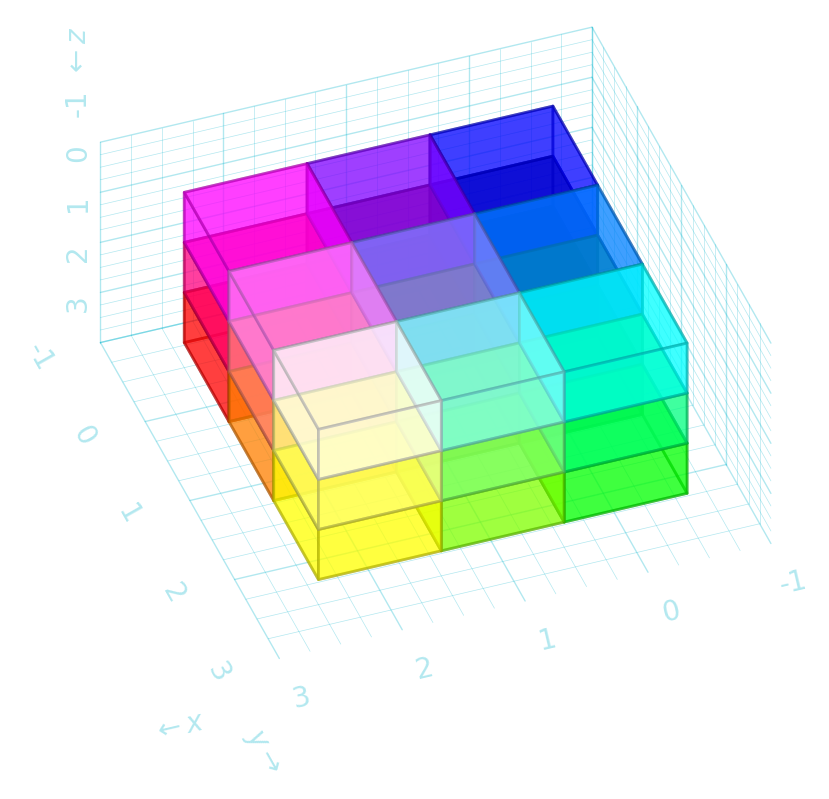
robodraw can project from 3D coordinates to the 2D plane using either an orthographic (the default) or axonometric projection.
%config InlineBackend.figure_formats = ['retina']
import robodraw
d = robodraw.Drawing()
for i in range(3):
    for j in range(3):
        for k in range(3):
            color = (i / 2, j / 2, 1 - k / 2)
            d.cube((i, j, k), color=color, radius=0.45, alpha=0.5)
d.grid()
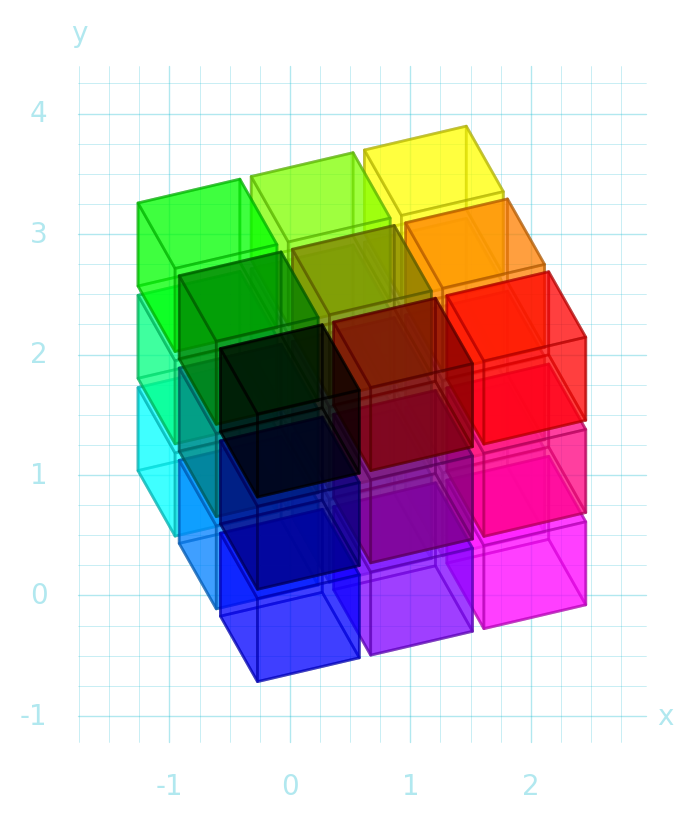
Change the orientation of the ‘camera’:
azimuth = 30  # y-axis 30 degrees to left
elevation = 75  # almost top down
d = robodraw.Drawing(projection=(azimuth, elevation))
for i in range(3):
    for j in range(3):
        for k in range(3):
            color = (i / 2, j / 2, 1 - k / 2)
            d.cube((i, j, k), color=color, radius=0.3)
d.grid3d()
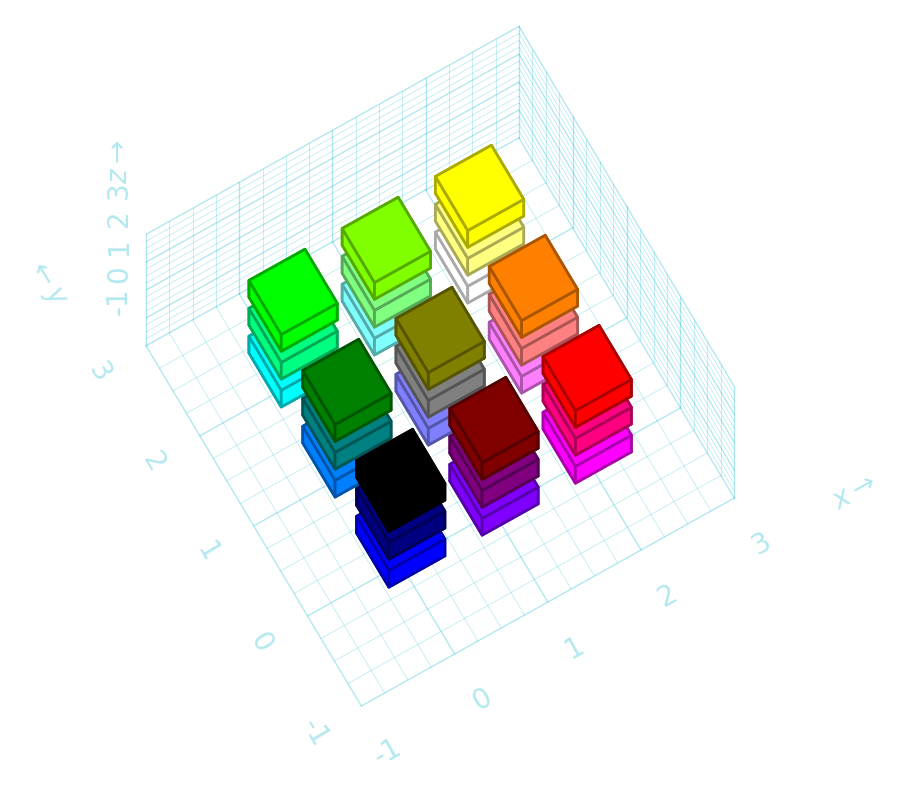
Use axonometric projection and specify angles:
xangle = -35
yangle = +25
d = robodraw.Drawing(projection=("axonometric", xangle, yangle))
for i in range(3):
    for j in range(3):
        for k in range(3):
            color = (i / 2, j / 2, 1 - k / 2)
            d.cube((i, j, k), color=color, radius=0.45, alpha=0.5)
d.grid3d()
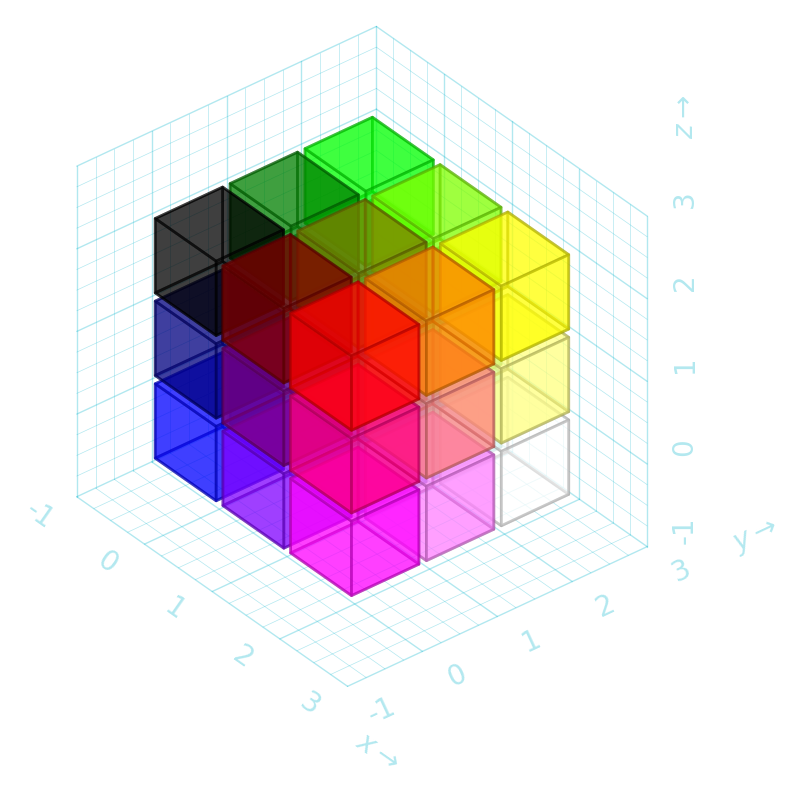
"isometric" is shorthand for angles 30 / 150.
d = robodraw.Drawing(projection="isometric")
for i in range(3):
    for j in range(3):
        for k in range(3):
            color = (i / 2, j / 2, 1 - k / 2)
            d.cube((i, j, k), color=color, radius=0.3, alpha=0.7)
d.grid3d()
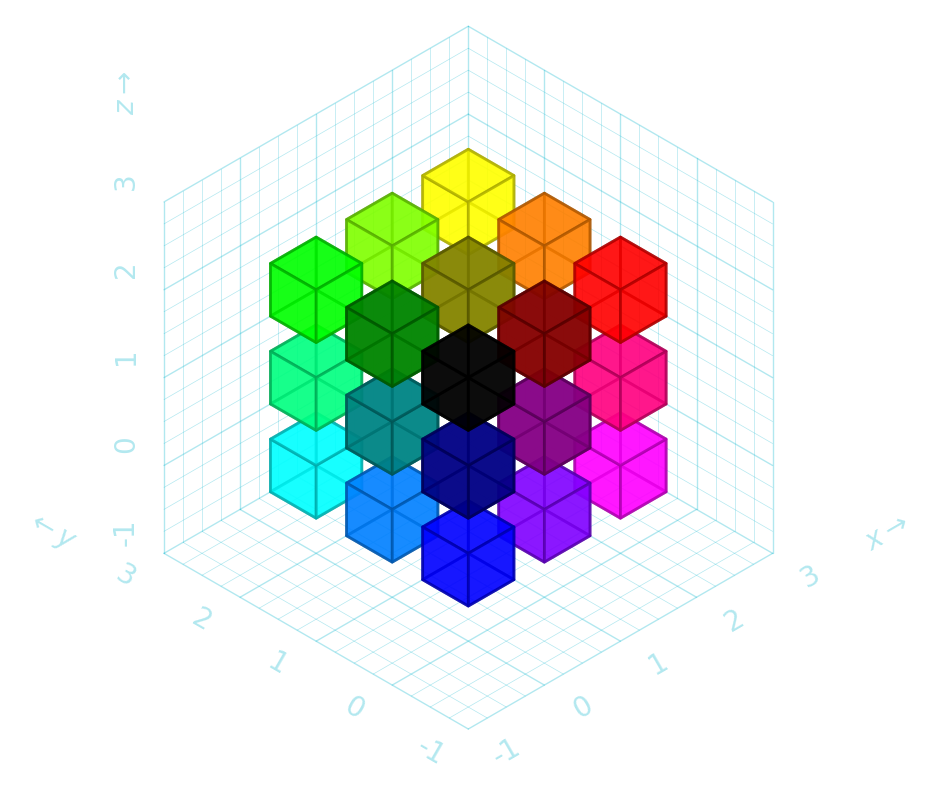
With both 2D and 3D drawings you can specify xscale, yscale and zscale to apply a simple linear transformation in that direction.
d = robodraw.Drawing(
    xscale=-2,  # flip and stretch
    yscale=-2,  # flip and stretch
    zscale=-1,  # flip only
)
for i in range(3):
    for j in range(3):
        for k in range(3):
            color = (i / 2, j / 2, 1 - k / 2)
            d.cube((i, j, k), color=color, radius=0.5, alpha=0.5)
d.grid3d()